Choose Your Games












On this page
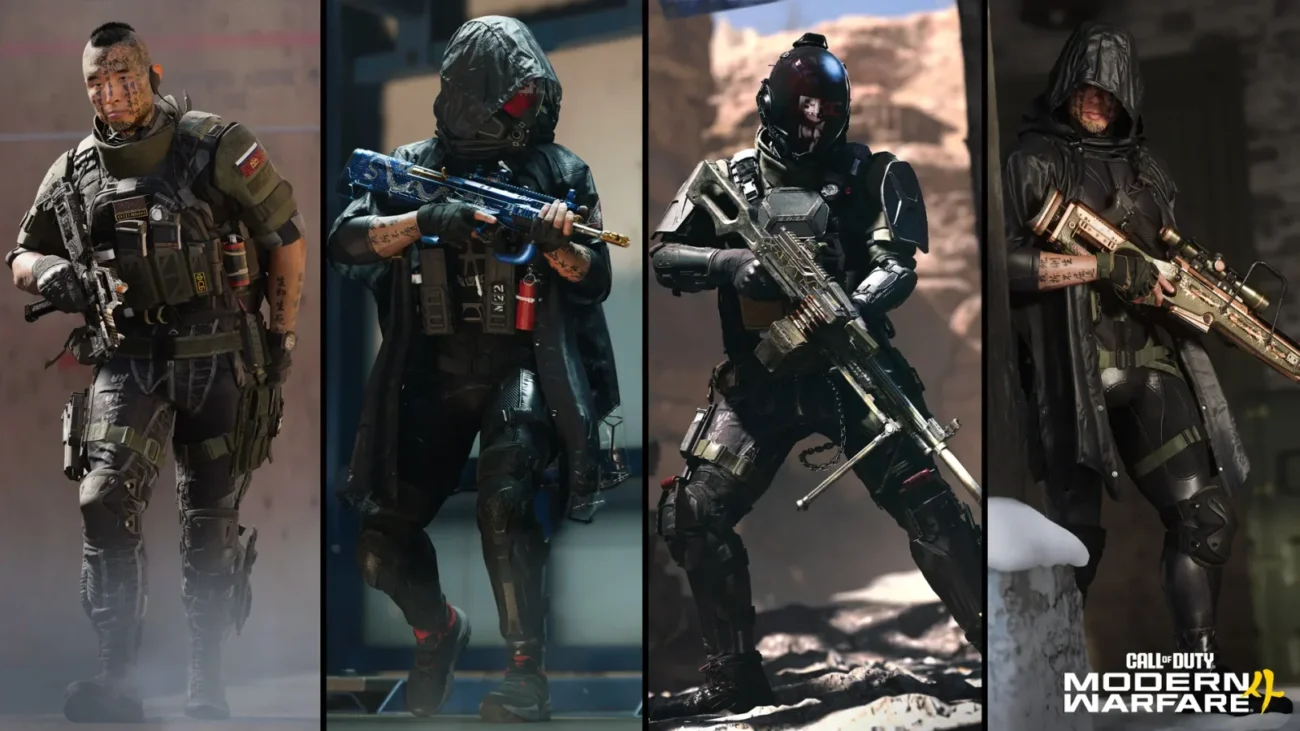
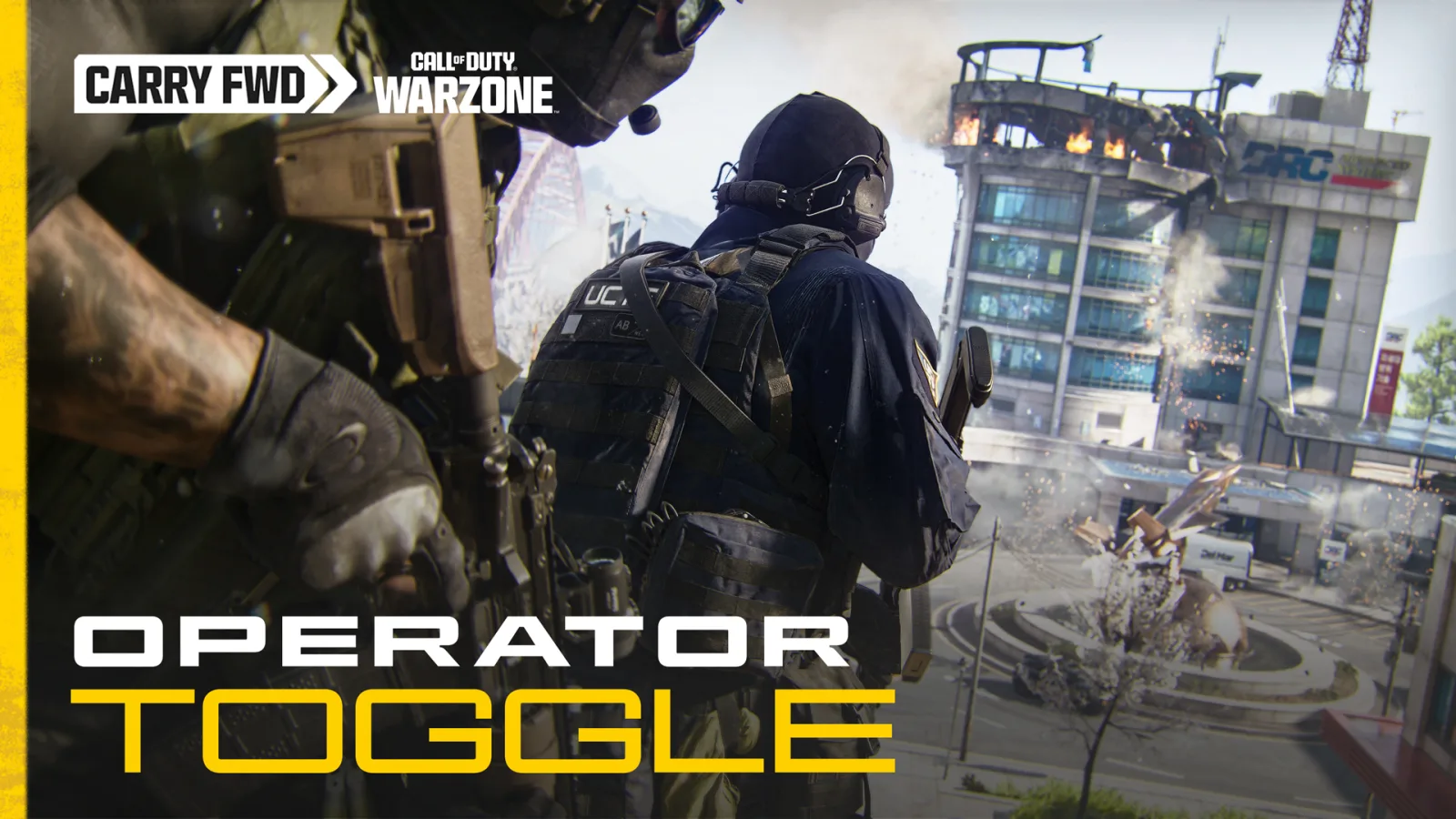
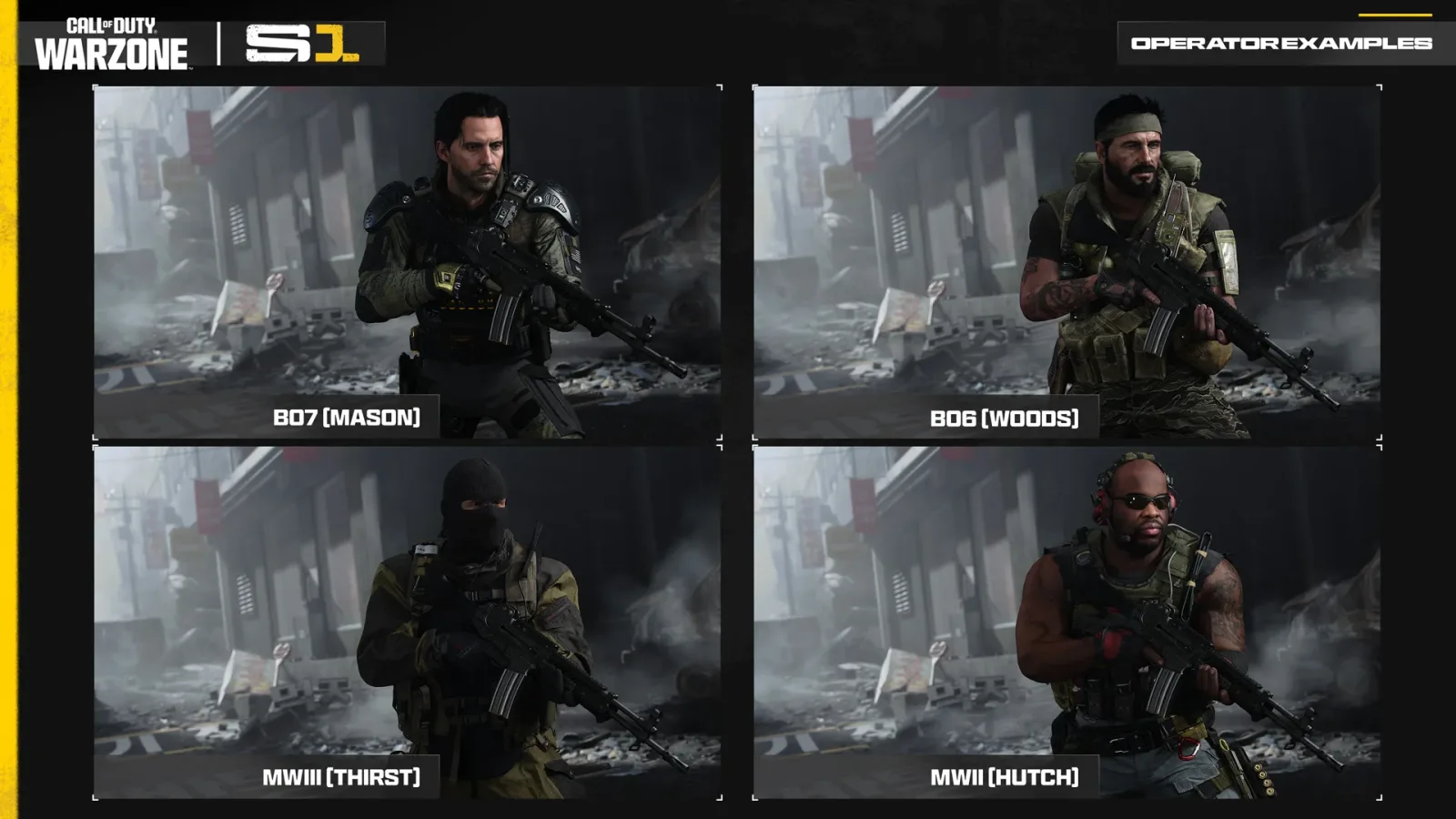
The Warzone Operator Skin Toggle arrives with Season 1 at midnight ET on November 6, 2026 (9 PM PT on November 5). With it on, Operators from other Call of Duty games appear as MW4 Operators on your screen. It is off by default, your own Operator does not change, and it applies in Warzone only.
This guide covers what the toggle changes, what it leaves alone, and what Activision has not said. The rules come from Activision’s September 24 Operator Skin Toggle post. Season 1 also resets your Player Level, so you may want to look at our MW4 boosting options as well.
How to use the Warzone Operator Skin Toggle
- Update to Season 1. Activision says the toggle starts with Season 1 of Modern Warfare 4, which goes live at 05:00 UTC on November 6.
- Find the Operator Skin toggle. Activision’s post does not name the menu. allthings.how says to look in Warzone’s in-game settings, so start there.
- Set it to ON. It is OFF by default, so nothing changes unless you switch it.
We will add the exact menu path once Season 1 is live and we can check it.
What the Warzone Operator Skin Toggle changes
| What you see | Toggle ON | Toggle OFF |
|---|---|---|
| Enemies wearing skins from other Call of Duty games | Shown as MW4 Operators | Shown as equipped |
| Squadmates and party members wearing those skins | Shown as MW4 Operators, in the lobby and in matches | Shown as equipped |
| Your own Operator | No change | No change |
| What others see of you because of your toggle | No change | No change |
Activision says the toggle “only impacts your game”. Whether a friend sees your Black Ops 6 skin depends on their own toggle: off shows it, and on shows an MW4 Operator.
What the Operator Skin Toggle does not do
- It targets skins from other titles. Activision describes no separate filter for skins within MW4.
- It does not work outside Warzone. Activision says it applies “in Call of Duty: Warzone only”, so Multiplayer and DMZ are not included.
- It does not remove your purchases. Operators, Skins and Blueprints from MWII, MWIII, BO6 and BO7 stay available to you.
The same Carry Forward plan moves older guns into a separate tab. Our guide to Warzone Legacy Weapons covers those limits, and when MW4 comes to Warzone covers the wider Season 1 changes.
What Activision has not confirmed about the toggle
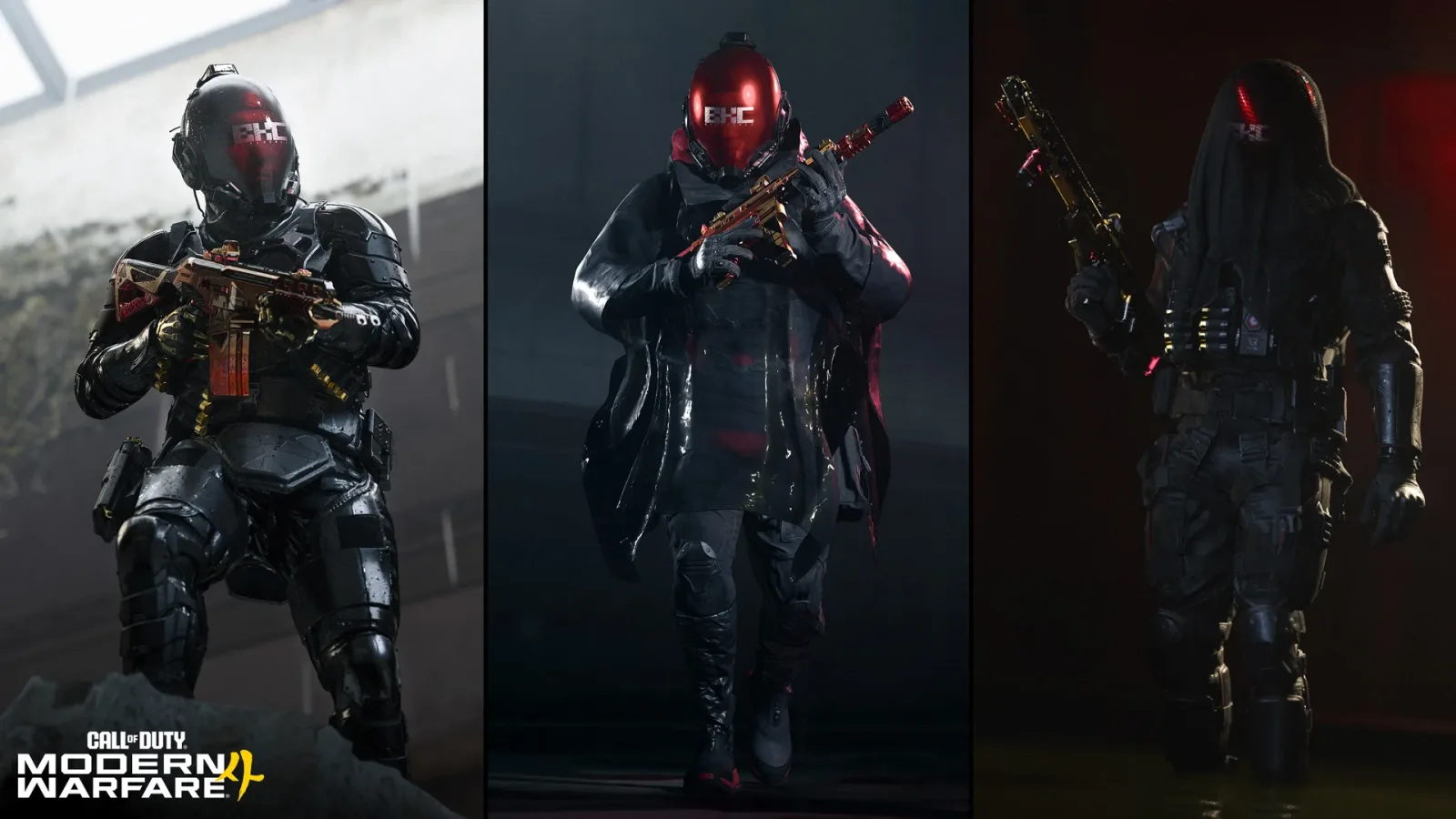
- Which MW4 Operator replaces an older skin. Activision says only “a Modern Warfare 4 Operator”.
- Whether hitboxes or silhouettes change. The post does not mention either one.
- Whether weapon Blueprints are filtered too. The post only talks about Operators and Operator Skins.
- Whether it comes to Multiplayer or DMZ later. No plan is announced.
MW4 services for Warzone Season 1
These services are separate from the toggle. They cover MW4 rank and weapons if you would rather skip that grind.
 MW4 Rank Boost (Level 1–55)MW4 player rank from level 1 to 55, useful since Season 1 resets your Player Level.From $14.90View offer
 MW4 Weapon Leveling (Max Level + Apex Attachment)Takes one MW4 weapon to max level with its Apex Attachment.From $13.99View offer
Frequently asked questions
Can you turn off skins in Warzone?
Partly, from Season 1. The toggle shows other players’ skins from other Call of Duty titles as MW4 Operators on your screen.
Is the Operator Skin Toggle on by default?
No. Activision says it is OFF by default.
Will other players see my skin if they use the toggle?
If your skin is from another Call of Duty game and their toggle is on, they see an MW4 Operator in its place. You keep seeing your own choice.
Does the toggle work in Multiplayer or DMZ?
No. Activision says it applies to Warzone only.
When does the toggle go live?
With Season 1, at midnight ET on November 6, 2026, which is 9 PM PT on November 5.
Sources and update history
- Activision, “Call of Duty: Warzone Season 1 Adds a New Operator Skin Toggle”, September 24, 2026: callofduty.com
- Activision, “Call of Duty: Warzone Season 1: Everything You Need to Know”, November 2, 2026: callofduty.com
- Activision, Season 1 announcement, October 28, 2026: callofduty.com
- allthings.how, Operator Skin Toggle guide: allthings.how
Update history: Published November 5, 2026, before Season 1 went live. Facts last checked November 5, 2026 against the sources above.