Choose Your Games













On this page
- Fortnite gifting requirements: 2FA, level 2 and the 2-day friend rule
- How to gift a skin in Fortnite, step by step
- Fortnite gift limit: 5 gifts per 24 hours, and no refunds
- What you cannot gift in Fortnite
- Can you gift V-Bucks in Fortnite?
- How to gift the Battle Pass in Fortnite
- Fortnite gifting and V-Bucks services
- Frequently asked questions
- Sources and update history
To gift skins in Fortnite you need two-factor authentication on your Epic account, an account at level 2 or higher, and the recipient on your Friends list for at least 2 days. Open the Item Shop, pick the item, choose Buy as a Gift and select your friend. You can send 5 gifts per 24 hours, every gift is final, and V-Bucks themselves cannot be gifted.
Those rules come from Epic’s support article How does Gifting work in Fortnite?, and the community-run Fortnite Wiki lists the same requirements. The rest of this guide covers what each rule means in practice, what cannot be gifted, and what to do when the thing you actually want to send is V-Bucks. For current pack sizes, see our Fortnite V-Bucks prices guide.
Fortnite gifting requirements: 2FA, level 2 and the 2-day friend rule
The sender needs 2FA and account level 2, and the two accounts must have been friends for at least 2 days. The recipient also has two conditions.
| Requirement | Who it applies to | What it means |
|---|---|---|
| Two-factor authentication (2FA) enabled | Sender | Turn it on in your Epic Games account security settings before you try to gift |
| Level 2 or higher | Sender | A brand-new account cannot gift until it has played enough to reach level 2 |
| Friends for at least 2 days | Both | The recipient has to have been on your Epic Friends list for 2 days; adding someone and gifting the same evening does not work |
| Log in to receive | Recipient | The gift arrives the next time your friend logs in to Fortnite |
| No negative V-Bucks balance | Recipient | Epic’s article says an account with a negative V-Bucks balance cannot receive a gift |
The 2-day wait is the rule that catches most people. If you are planning a birthday or holiday gift, send the friend request a few days early. The wiki also notes that you cannot gift to yourself: Epic disabled self-gifting between your own accounts in February 2021.
How to gift a skin in Fortnite, step by step
- Open Fortnite and go to the Item Shop.
- Check your V-Bucks balance in the corner of the screen. The gift is paid from your balance.
- Select the outfit, emote, pickaxe, glider, wrap or bundle you want to send. Do not buy it for yourself.
- Choose Buy as a Gift.
- Pick the friend from your list. Epic’s advice is to search for their Epic Games display name so the gift goes to the right person.
- Check the gift price shown for the recipient. It may differ from the price on your own account if either account already owns part of a bundle.
- Pick a Gift Box and send.




The step order and the Buy as a Gift label come from a walkthrough Dexerto published in January 2021, so the wording in the current client may differ slightly. Gifts have to be sent from the Item Shop inside the game: Epic’s support page on the web Item Shop says purchases there are for your own account only. You also cannot type a custom message, because the wiki records that Epic removed text messages from gifts in Chapter 2 Season 2. Besides the four default boxes, each season adds a themed Gift Box.




 Fortnite Item Shop GiftAn item that is in the Item Shop now, sent to your account as a gift. Epic's 2-day friend rule applies before it can be sent.From $2.55View offer
Fortnite gift limit: 5 gifts per 24 hours, and no refunds
Gifting is limited to 5 gifts in any 24-hour period, and the window is counted from the time each gift was sent, not from a daily reset. The wiki’s example: a gift sent at 9:00 PM frees up one slot at 9:00 PM the next day. If you have used all five, the sixth has to wait until the oldest one is 24 hours old.
All gifts are non-refundable. Once the gift is sent, the V-Bucks are spent, and neither you nor the recipient can return the item. That is why the display-name check in step 5 matters.
What you cannot gift in Fortnite
Cosmetics can only be gifted while they are available in the in-game Item Shop, and giftable passes use a separate real-money gifting flow. Nothing already in your Locker can be given away. Epic’s article and the wiki list these exclusions:
- V-Bucks, including real-money packs that contain V-Bucks.
- A Battle Pass bought with V-Bucks. Passes can only be gifted as a real-money purchase.
- Battle Pass levels and level bundles.
- Items that are not in the Item Shop right now. If a skin has rotated out, you wait for it to come back.
- Fortnite Crew and the Event Pass, per the wiki.
- Other real-money offers, with the passes as the exception.
- A dynamically priced bundle when your friend already owns one or more items in it. The wiki dates this change to update v31.40 in Chapter 5 Season 4.
Can you gift V-Bucks in Fortnite?
No. V-Bucks cannot be moved from one account to another, and the gifting system does not sell them. There are two ways around it. The first is to gift the item itself: your friend tells you which skin they want, and you buy it as a gift with your own V-Bucks. The second is a V-Bucks gift card, which the recipient redeems on their own account.
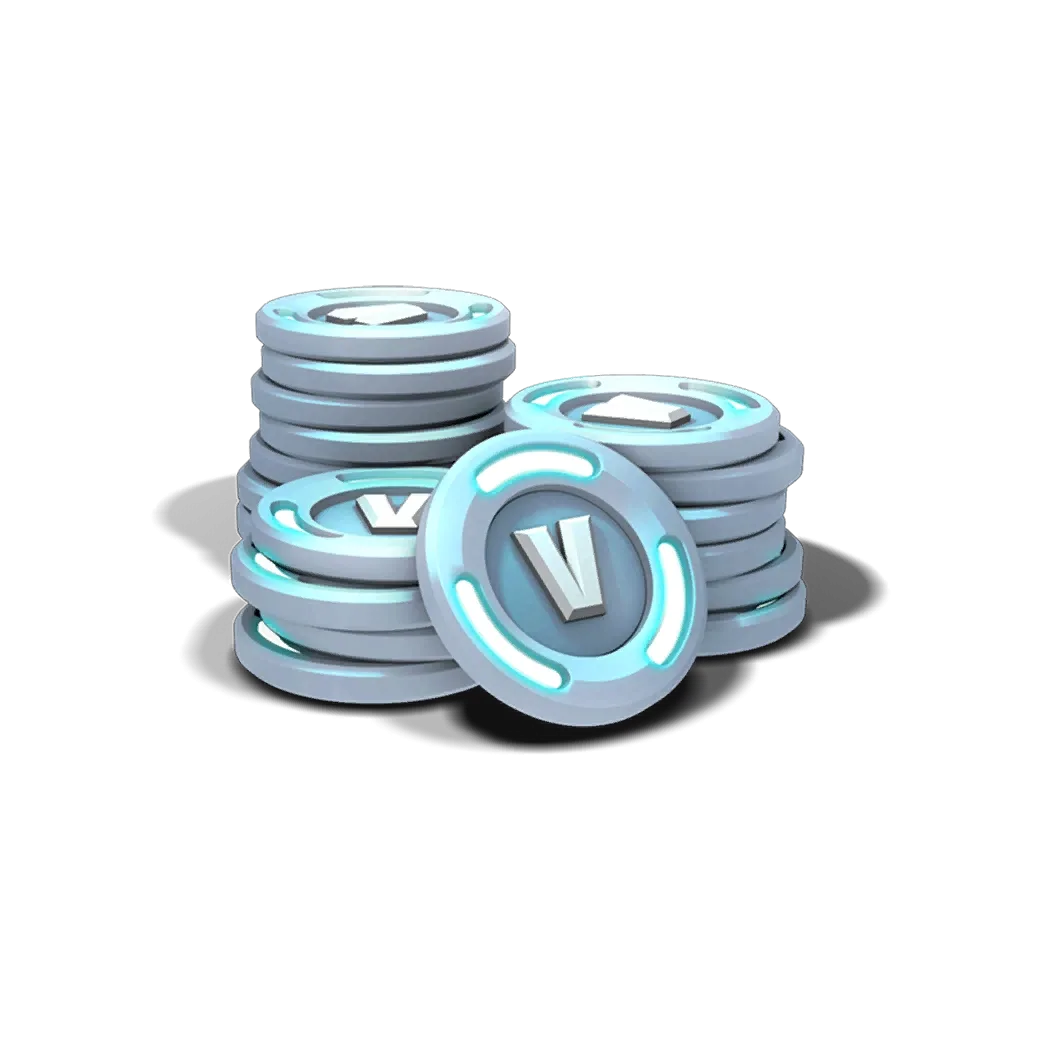
If you are on the receiving end and nobody on your Friends list has spare V-Bucks, the options are to earn them or buy them. Our guide to free V-Bucks in Fortnite covers the first route, and the Fortnite V-Bucks top-up page covers the second.
How to gift the Battle Pass in Fortnite
The Battle Pass, OG Pass, Music Pass and LEGO Pass can all be gifted, but only for real money. You cannot spend V-Bucks on a pass for someone else. Pass gifts are bought from the Passes page rather than the Item Shop, following Epic’s steps for sending a Battle Pass as a gift. The same requirements apply: 2FA, level 2 and the 2-day friend rule.
Epic confirms that Pass gifting is turned off toward the end of each season and that an unused Pass gift token is refunded as V-Bucks when the season ends. Epic does not state the current refund amount. The wiki gives it as 1,000 V-Bucks, a figure that predates Epic’s March 2026 change to an 800 V-Buck Battle Pass, so the current amount is Not confirmed. If the season is nearly over, check the Chapter 7 Season 4 end date before you buy a pass for a friend, and read how to level up the Battle Pass fast if they will be starting late.
Fortnite gifting and V-Bucks services
These are the Fortnite services that relate to what this guide covers. Epic’s gifting rules apply to them in the same way.
Fortnite Item Shop GiftAn item currently in the Item Shop that is eligible for gifting, sent to you as a gift. The 2-day friend rule applies.From $2.55View offer
 Fortnite 800 V-Bucks800 V-Bucks, the cost of the Battle Pass for your own account.From $6.29View offer
Fortnite 2,400 V-Bucks2,400 V-Bucks for your own Item Shop purchases or gifts to friends.From $15.99View offer
Fortnite 800 V-Bucks800 V-Bucks, the cost of the Battle Pass for your own account.From $6.29View offer
Fortnite 2,400 V-Bucks2,400 V-Bucks for your own Item Shop purchases or gifts to friends.From $15.99View offerFrequently asked questions
Why can’t I gift in Fortnite?
The usual causes are the three sender requirements: 2FA is not enabled, your account is below level 2, or the friend has been on your list for less than 2 days. After that, check whether you have already sent 5 gifts in the last 24 hours and whether the item is still in the Item Shop.
How long do you have to be friends to gift in Fortnite?
At least 2 days. Epic’s support article states the recipient must have been on your Friends list for 2 days before you can send a gift.
Can you gift skins from your Locker?
No. Only items currently in the Item Shop can be gifted, and you pay for the gift at the time you send it.
Can you refund a Fortnite gift?
No. All gifts are non-refundable, for both the sender and the recipient.
Can you gift V-Bucks to a friend?
No. V-Bucks cannot be gifted or transferred. Gift the item your friend wants instead, or give a V-Bucks gift card that they redeem themselves.
Can you gift on every platform?
No. Epic’s gifting article lists Android, PC, PlayStation, Nintendo Switch and Xbox as the platforms where gifting is available. iOS is not on that list.
Sources and update history
- Epic Games support: How does Gifting work in Fortnite? (requirements, supported platforms, 5-gift limit, non-refundable, what cannot be gifted)
- Epic Games support: How to send a Battle Pass as a gift (pass gifting flow)
- Epic Games support: Can I buy and send gifts through the Fortnite Web Item Shop? (web shop is for your own account)
- Fortnite Wiki (Fandom, community-run): Gifting, revision of September 9, 2026 (exclusion list, Gift Boxes, change history, pass gift token)
- Dexerto: How to gift items in Fortnite, January 12, 2021 (step order and the Buy as a Gift button)
- Epic Games: Fortnite V-Bucks price increase, effective March 19, 2026 (800 V-Buck Battle Pass)
Update history: Published October 8, 2026. Facts last checked October 8, 2026 against the sources above.